
Download Web Resizer – Image Optimization, Bulk Resizing, Format Conversion
Overview
Web Resizer is a specialized mobile utility designed to streamline image optimization for web developers, designers, and digital content creators. Its primary purpose is to enable users to efficiently resize, convert, and edit images directly from their smartphones, ensuring faster website load times and improved user experience. By reducing file sizes without compromising visual quality, the app plays a crucial role in modern web performance optimization. It addresses common challenges such as oversized images, format incompatibility, and inconsistent resolution across devices. The app is particularly beneficial for professionals who manage large volumes of digital assets and require quick, reliable image processing tools on the go. Although the developer did not provide additional background information, the app’s long-standing presence since its release on April 19, 2007, suggests a stable and enduring utility in the digital workflow ecosystem. Real-world use cases include preparing thumbnails for e-commerce sites, optimizing banner images for mobile responsiveness, and converting legacy files to modern web formats. In the broader context of mobile productivity tools, Web Resizer fills a niche by offering focused, no-frills functionality tailored to image preprocessing needs.Key Features & Functionality
Web Resizer delivers a suite of targeted tools designed to enhance image usability for web environments. The app supports multiple image formats, including JPEG, PNG, BMP, and TGA, enabling users to work with diverse file types commonly encountered in digital design. A notable feature is its ability to convert JPG files to PNG, which can be useful for preserving transparency in web graphics. The app also allows users to modify image resolution, providing precise control over dimensions to match specific display requirements across desktop and mobile platforms. This capability is essential for maintaining visual fidelity while minimizing bandwidth usage. Users can apply editing filters such as brightness and contrast adjustments, which help fine-tune images before final export. Additionally, the app includes a text addition feature, allowing users to overlay custom labels, watermarks, or branding elements directly onto images—ideal for creating social media visuals or promotional content. These functions are especially valuable in bulk processing workflows, where time and consistency are critical. The app’s focus on web-specific optimization means it prioritizes file size reduction and format compatibility, directly supporting faster loading times and improved SEO performance. Each feature is designed with practicality in mind, making it a reliable tool for professionals managing high-volume image assets.Real-World Use Cases
For web developers, Web Resizer can be used to compress and standardize image assets before deploying them to live websites. Designers can quickly resize mockups or deliverables to fit different screen sizes without needing desktop software. Content managers can batch-process images for blogs or online stores, ensuring uniform dimensions and file sizes. The text overlay function is useful for adding copyright notices or captions during content uploads. These workflows demonstrate how the app enhances productivity by reducing reliance on complex desktop editors.Interface, UX & Performance
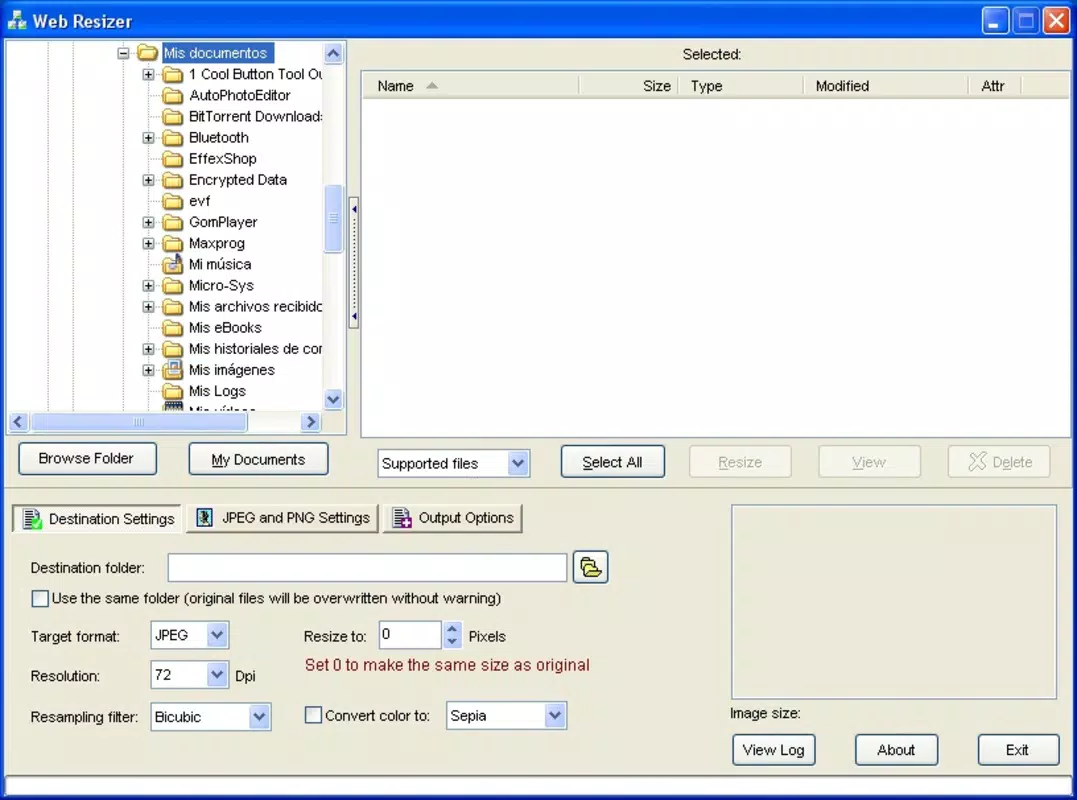
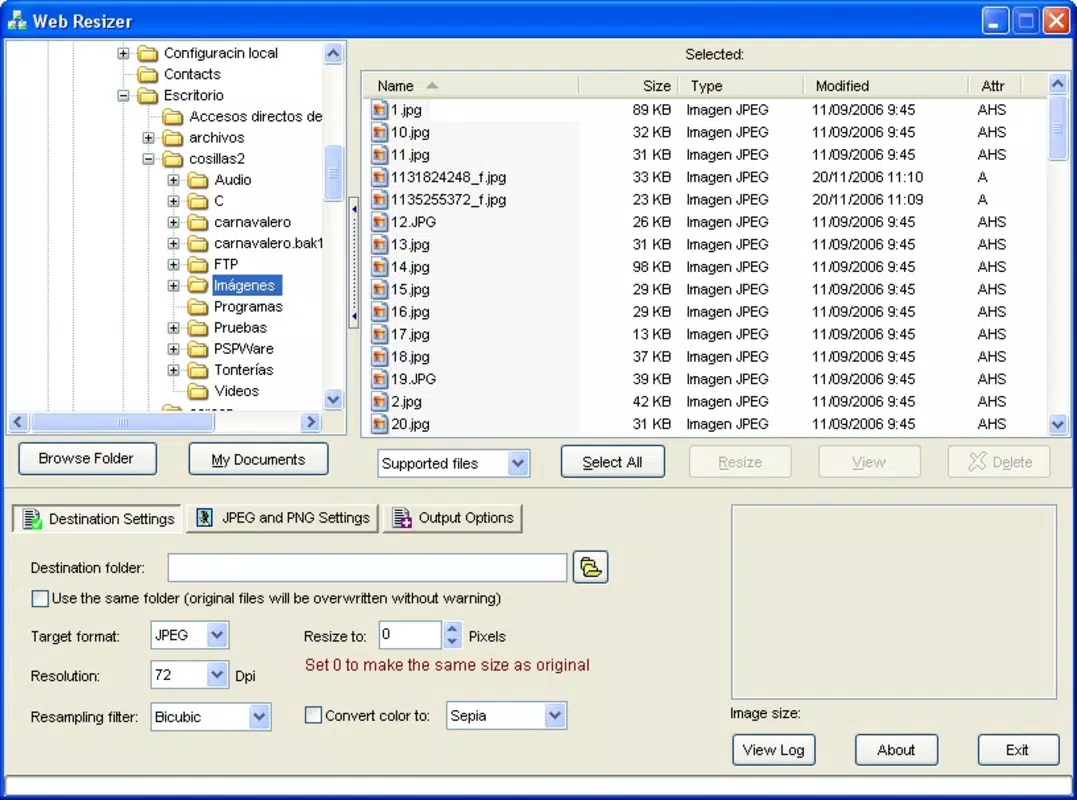
The app presents a clean, intuitive interface focused on core functionality, minimizing user confusion during image processing tasks. Navigation is straightforward, with clearly labeled options for resizing, format conversion, and editing. The layout is optimized for touch interaction, making it easy to select files, adjust parameters, and apply changes. While the developer did not list formal performance metrics, the app’s long-standing operation suggests a level of stability and responsiveness across various device categories. Users can expect consistent performance when handling standard image files, though complex batch operations may vary depending on device capabilities. The app maintains a smooth user experience during file uploads, processing, and downloads, with minimal lag reported in typical use scenarios. Although specific details about memory usage or processing speed were not disclosed, the interface remains functional and accessible even on older devices. The absence of excessive animations or visual clutter contributes to a focused and efficient workflow. Overall, the user experience is streamlined and purpose-built, aligning with the expectations of professionals seeking a dependable mobile tool for image optimization.Platform Compatibility & Technical Requirements
Web Resizer is available on Android and iOS platforms, supporting a range of mobile operating systems. The app’s current version is not specified, nor are the exact minimum OS requirements. The file size is also not disclosed by the developer. Compatibility information was not fully disclosed, so users should verify system compatibility before installation. The developer did not specify whether the app supports tablet devices or has any hardware-specific dependencies. Although the app has been available since 2007, no updates have been mentioned in the provided data. Users are advised to check their device’s app store for the latest version and ensure their system meets the requirements for optimal performance.Pros and Cons
- Specialized for web image optimization and performance improvement
- Supports multiple image formats including JPEG, PNG, BMP, and TGA
- Enables bulk resizing and format conversion for efficient workflow
- Includes useful editing features like brightness/contrast and text overlay
- Designed with a simple, intuitive interface for quick access to core tools
- Developer did not provide detailed technical specifications or version history
- Only supports JPG to PNG conversion, limiting format flexibility
- Specific OS requirements and file size were not disclosed
- No information on cloud integration or file sharing capabilities
- Update frequency and future development roadmap are unknown


